Apple Home / HomeKit · 2026 buying guide
Matter devices for your Apple home.
Six picks for everyday jobs. Check the model, pack and Apple setup requirements.
Reviewed September 17, 2026
We may earn a commission. How our links work
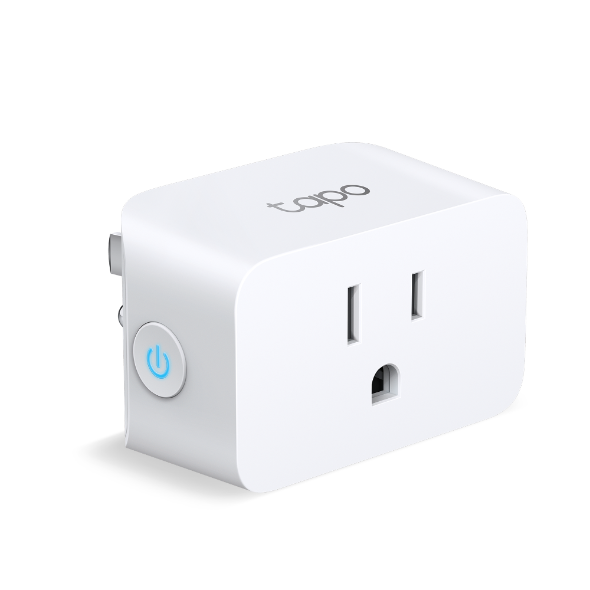
2.4 GHz Wi-Fi · no Thread required
Switch a compatible lamp or appliance on and off in Apple Home. Choose a device that resumes safely when power is restored.
- Before you buy
- US 100–125 V supply; up to 15 A / 1800 W resistive load at 120 V. Check the appliance’s load and operating instructions.
- Know the limits
- This pick is for on/off control. Do not expect dimming or energy readings in Apple Home.
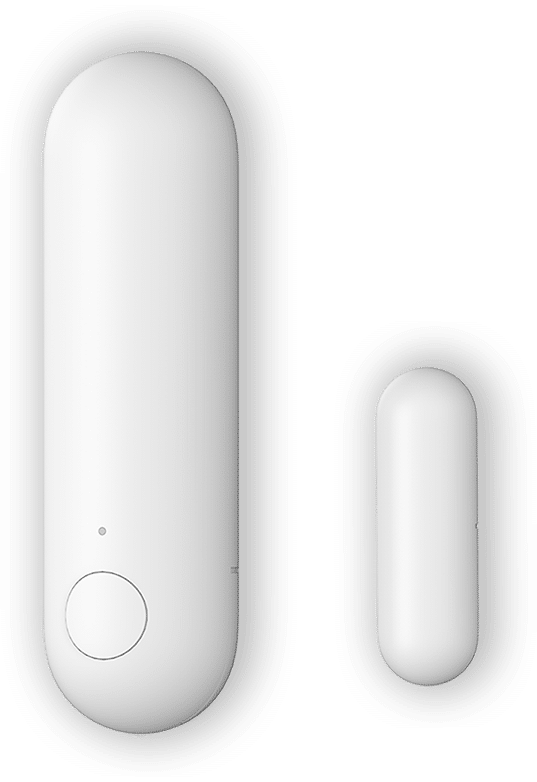
Matter over Thread · CR123A battery
See open or closed status in Home, or use it to trigger an automation with an Apple home hub. An Aqara-branded hub is not required for this Apple setup.
- Before you buy
- Plan a compatible Matter controller and Thread border router. Check the sensor-to-magnet gap and mounting alignment in Aqara’s instructions.
- Know the limits
- Contact status does not tell you whether the door is locked. Aqara-specific settings are separate from Apple Home controls.
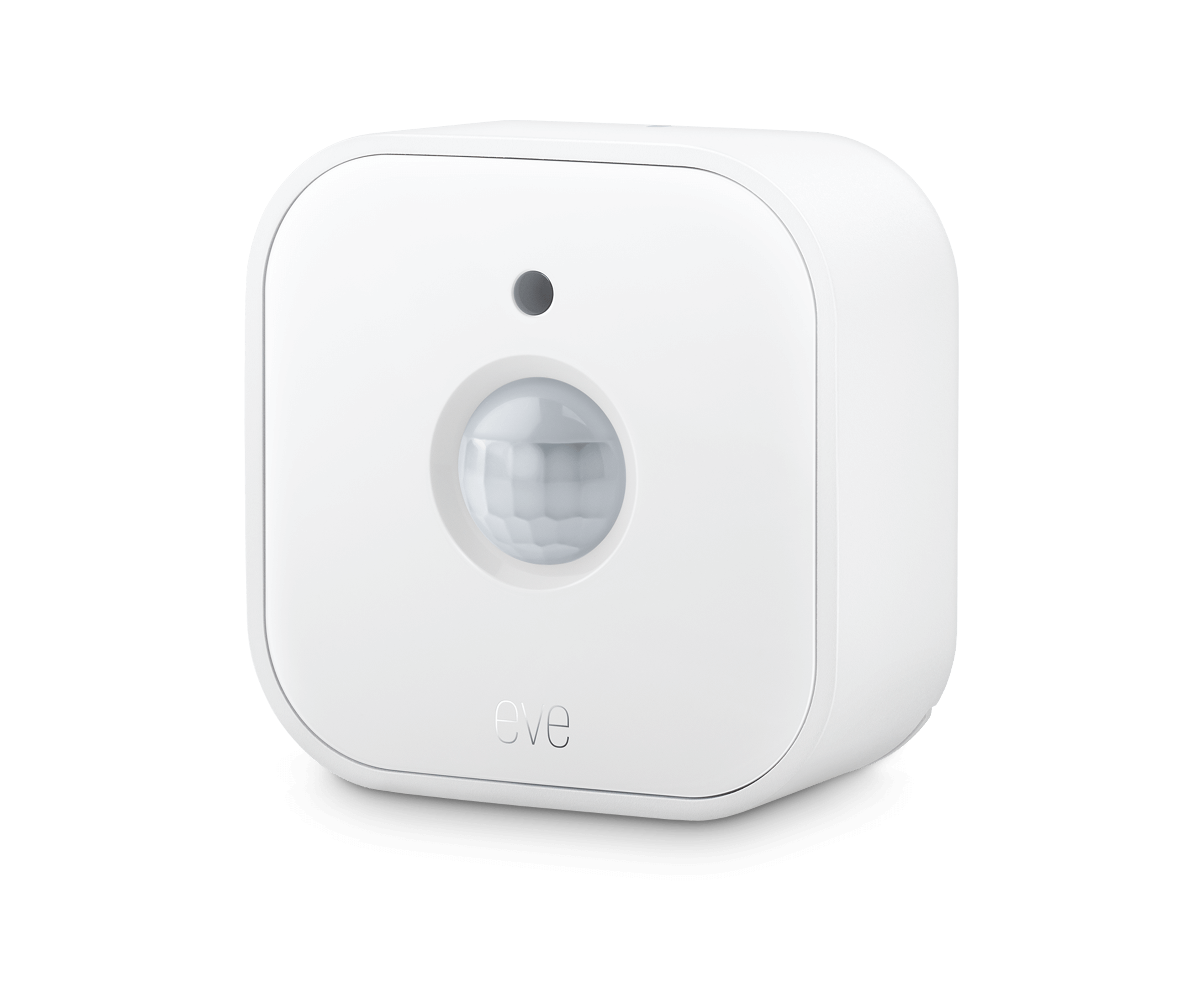
One device shown · 3-pack offer
Matter over Thread · 2 × AAA per sensor
Use motion and light-level information in Apple Home. A home hub supports automations such as turning hallway lights on when movement is detected.
- Before you buy
- Eve specifies a compatible Matter controller and Thread border router. Check positioning and detection coverage before buying a multi-pack.
- Know the limits
- Motion is not a guarantee of occupancy when someone sits still. Advanced settings and history use the Eve app for iPhone or iPad.
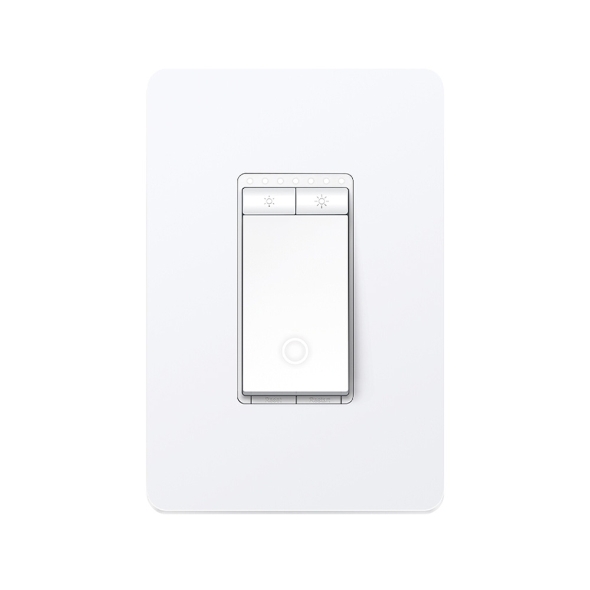
One device shown · 3-pack offer
2.4 GHz Wi-Fi · 120 V AC / 60 Hz
Control on/off and brightness in Apple Home while keeping physical dimmer buttons. Match the dimmer to the existing circuit and bulbs.
- Before you buy
- Neutral wire and single-pole wiring required. Use compatible TRIAC-dimmable bulbs, within 150 W LED or 300 W incandescent/halogen limits.
- Know the limits
- Not a 3-way switch or fan controller. Have a qualified installer check the wiring, box space and lighting load.

Heating and cooling that fits your system
Meross MTS300MA
Amazon: White · 1 thermostat · no C-wire adapter
US / Canada 24 V HVAC · 2.4 GHz Wi-Fi
Set the temperature and heat, cool or auto mode in Apple Home. Humidity display requires iOS 18.5 or later; fan modes and timing remain in the Meross app.
- Before you buy
- Check HVAC compatibility and C-wire or compatible power needs with an HVAC professional. The Meross app is required for initial equipment configuration.
- Know the limits
- Not for 120–240 V electric baseboard heating. The Meross store alternative is MTS300MA-US; check its selected package and accessories.
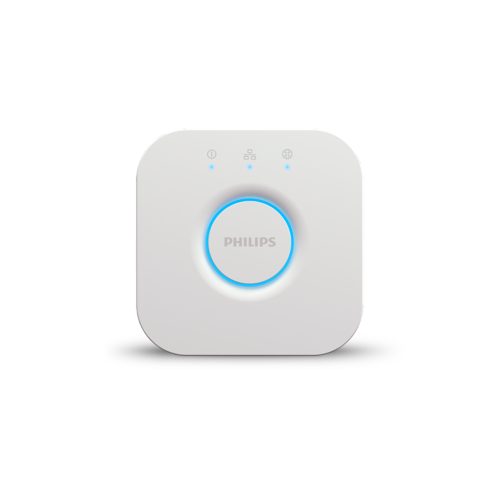
Ethernet to router · powered bridge
Pair supported Hue lights to the Bridge, then enable its Matter integration for Apple Home in the Hue app. Home controls depend on the paired light’s brightness and color capabilities.
- Before you buy
- Needs a router Ethernet port, power and Hue app setup. Check the square Bridge you already own and its software before buying another.
- Know the limits
- Distinct from Bridge Pro and the older round bridge. It is not a Thread border router or a general-purpose Matter controller; Hue entertainment features remain separate.
What does your Apple setup need?
Control nearby, or control while away?
With iOS 18 or later, an iPhone can add and control supported Matter accessories in Home without a home hub. For remote access, sharing and automations, use an Apple home hub that stays powered and connected at home.
Wi-Fi, Thread and bridges are different
The Wi-Fi picks above use your 2.4 GHz network. Thread accessories need a compatible Thread connection. Apple permits local pairing and management on supported Thread-enabled iPhones with iOS 18 or later, but accessory firmware may need an update. For the sensor automations here, plan a compatible home hub and Thread border router.
A bridge shares supported attached accessories with Home; it does not automatically provide Thread connectivity. Check the manufacturer’s requirements for each exact model.
Which Apple home hubs include Thread?
- HomePod mini and HomePod (2nd generation).
- Apple TV 4K (2nd generation).
- Apple TV 4K (3rd generation), Wi-Fi + Ethernet, 128 GB.
- The 3rd-generation Wi-Fi-only 64 GB model has no Thread radio.
Check model specifications, not just “Apple TV 4K” on a listing. 2nd-generation specifications · 3rd-generation specifications · Apple’s Thread requirements
How to use this shortlist
Originally published February 26, 2026; documentation reviewed September 17, 2026. These are documentation-reviewed choices for specific jobs, not hands-on performance rankings. We checked Apple and manufacturer guidance, exact retail identities and existing eligible offers. Certification records, regional retail models and bundles remain distinct; a Matter certificate alone does not promise every feature in Apple Home.
Confirm the selected pack, included accessories, price and availability at the retailer. Where present, Amazon offers appear first for their respective products; this is not a cheapest-store claim. Our editorial policy