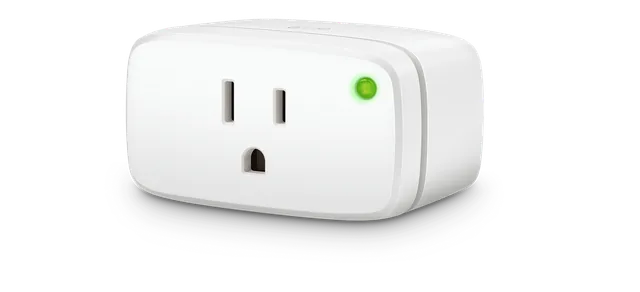
Eve
Eve Energy Smart Plug (US/CA)
New · 1 plug · US/CA 20EBU4101 · Plugs · Thread / Matter
CSA record available
ThreadMatter devices listed for Amazon Alexa and Echo, with CSA certification evidence labeled per product.
566 Matter products listed for Amazon Alexa and sold in the US · 129 brands · 15 categories · 318 sold outside the US hidden · 622 reference records hidden · 23 unverified listings hidden. We may earn a commission from retailer links. How our links work
As of . The counts on this page are Matter products sold in the US whose catalog record lists Amazon Alexa; a maker’s own page is the stronger proof where a product page shows one. Sources: MatterCatalog: Matter certified devices sold in the US; Amazon: Thread border routers on Echo and eero devices (on file); How MatterCatalog checks (editorial policy).
Listed for Amazon Alexa in their catalog records. Each product page says whether the maker’s own page names Amazon Alexa; check exact controller support before you buy.
12 featured devices
Eve
New · 1 plug · US/CA 20EBU4101 · Plugs · Thread / Matter
CSA record available
Thread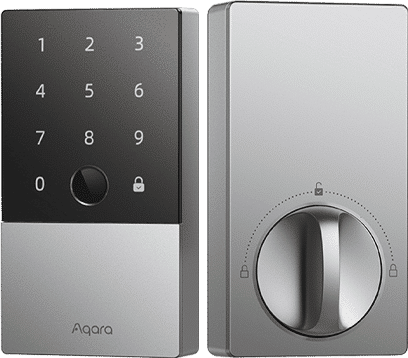
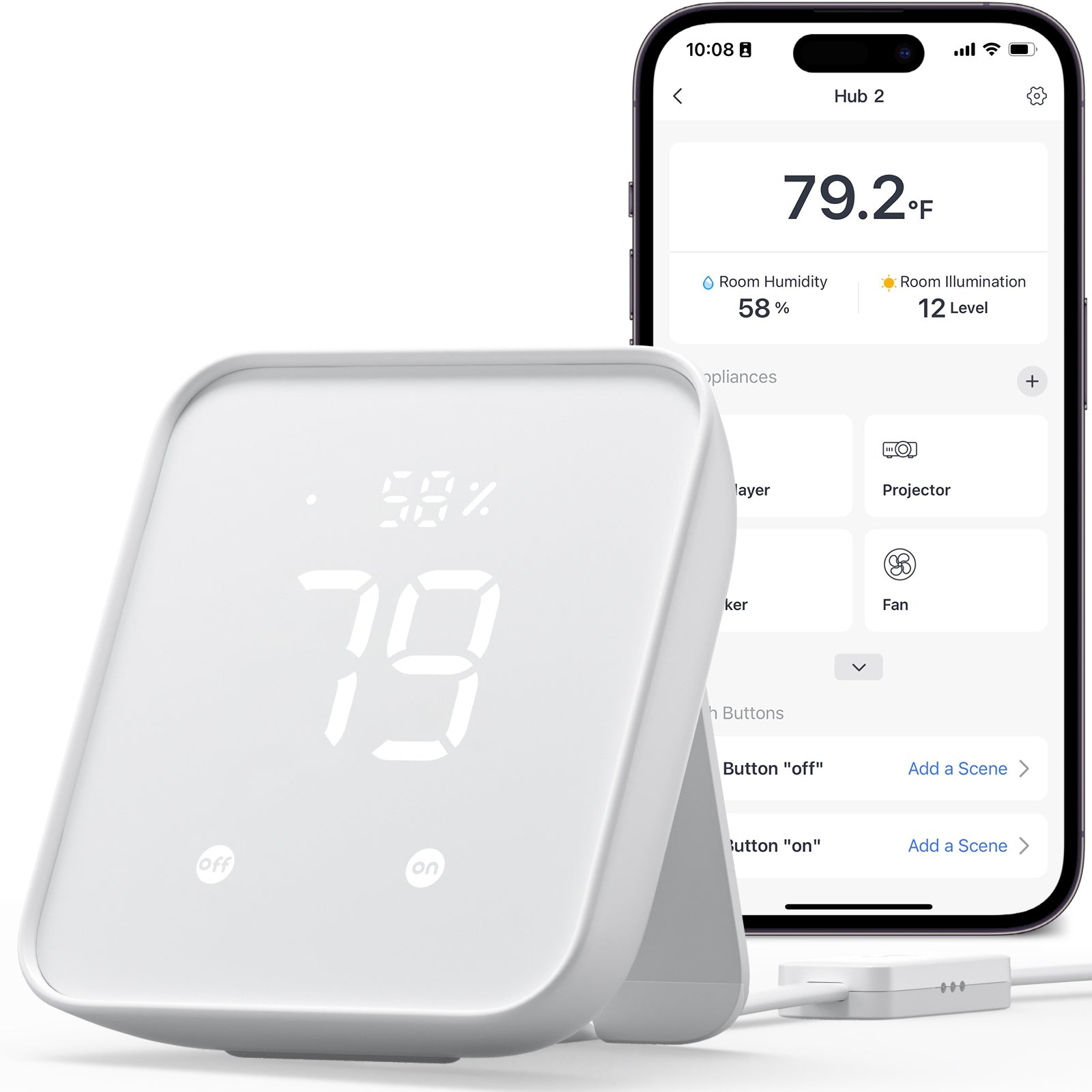 App illustration · phone not included
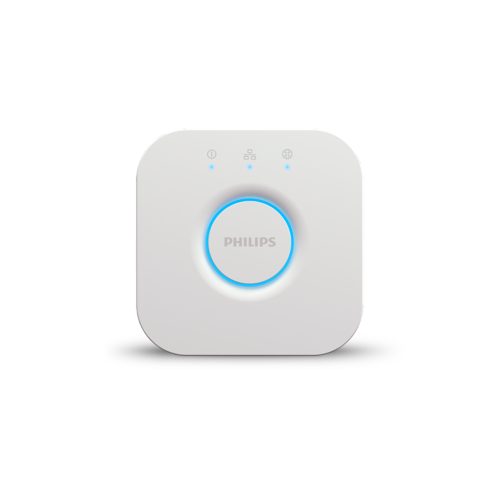
Philips Hue
Bridge · Ethernet
Bring compatible Hue lights to Matter
CSA record available
Ethernet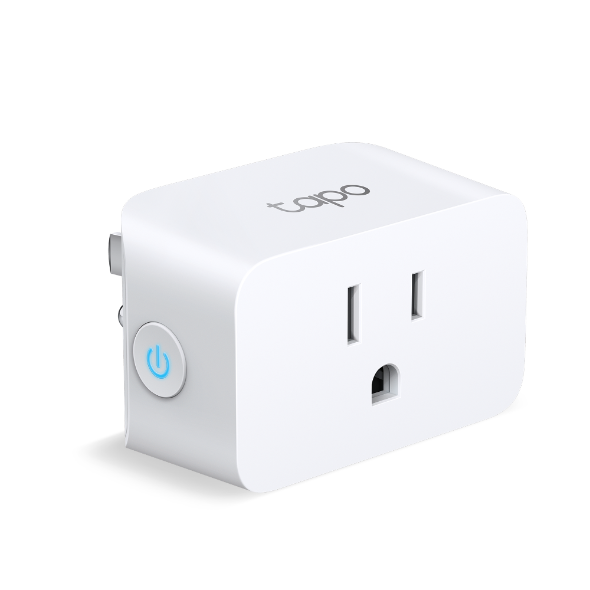
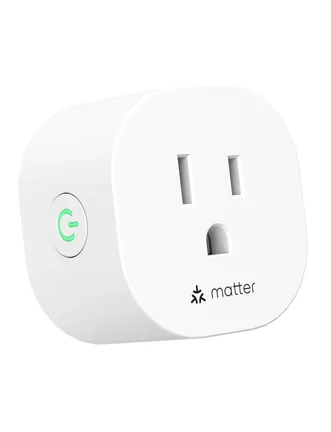
Meross
New · 2 plugs · US/CA MSS115 · Plugs · Wi-Fi / Matter
CSA record available
Wi-Fi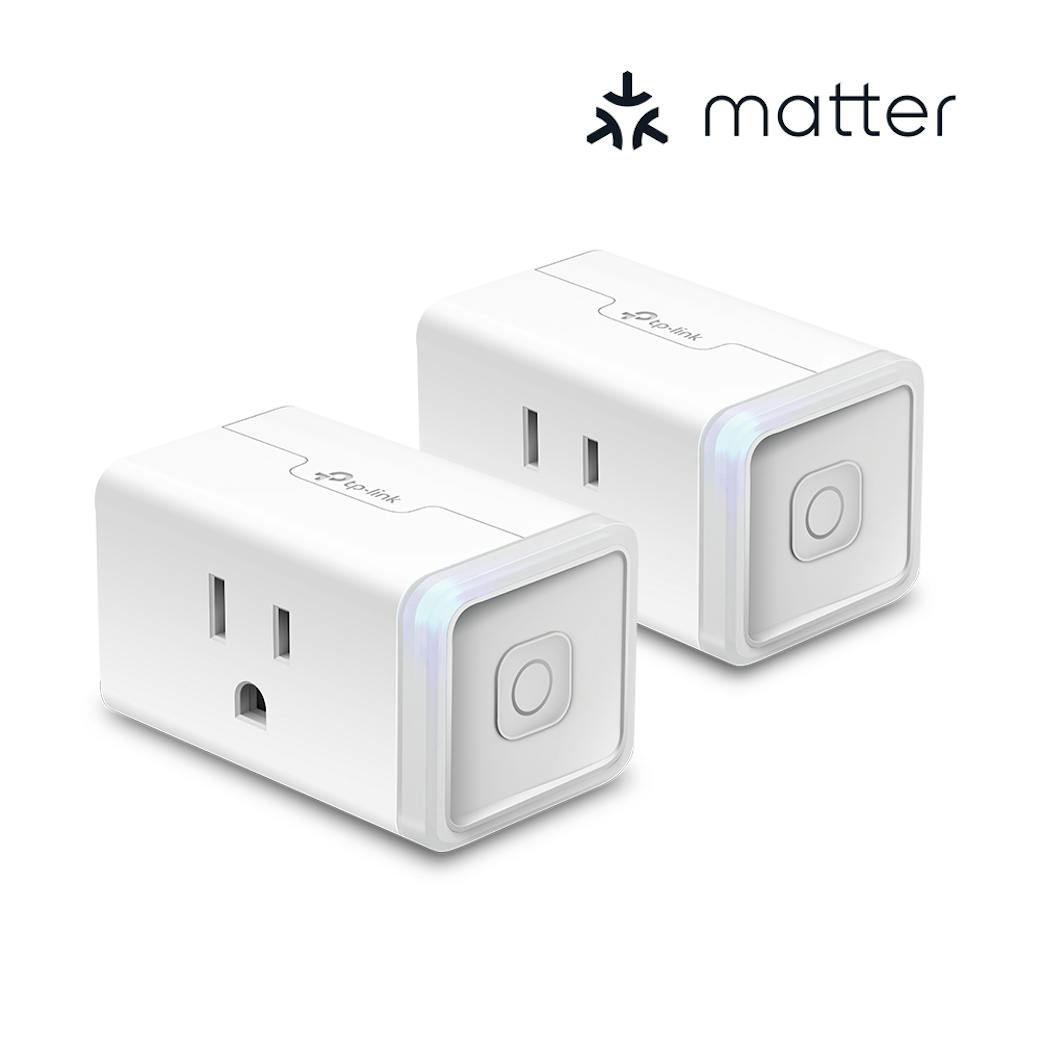
Kasa
2-pack · KP125MP2 · Plugs · Wi-Fi / Matter
CSA record available
Wi-Fi
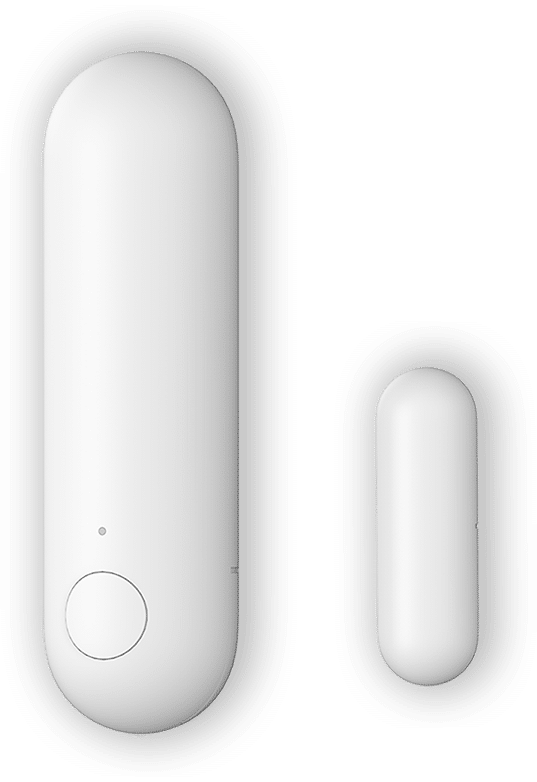
Aqara
1 contact sensor
Requires a Thread border router
CSA record · retail variant unverified
Thread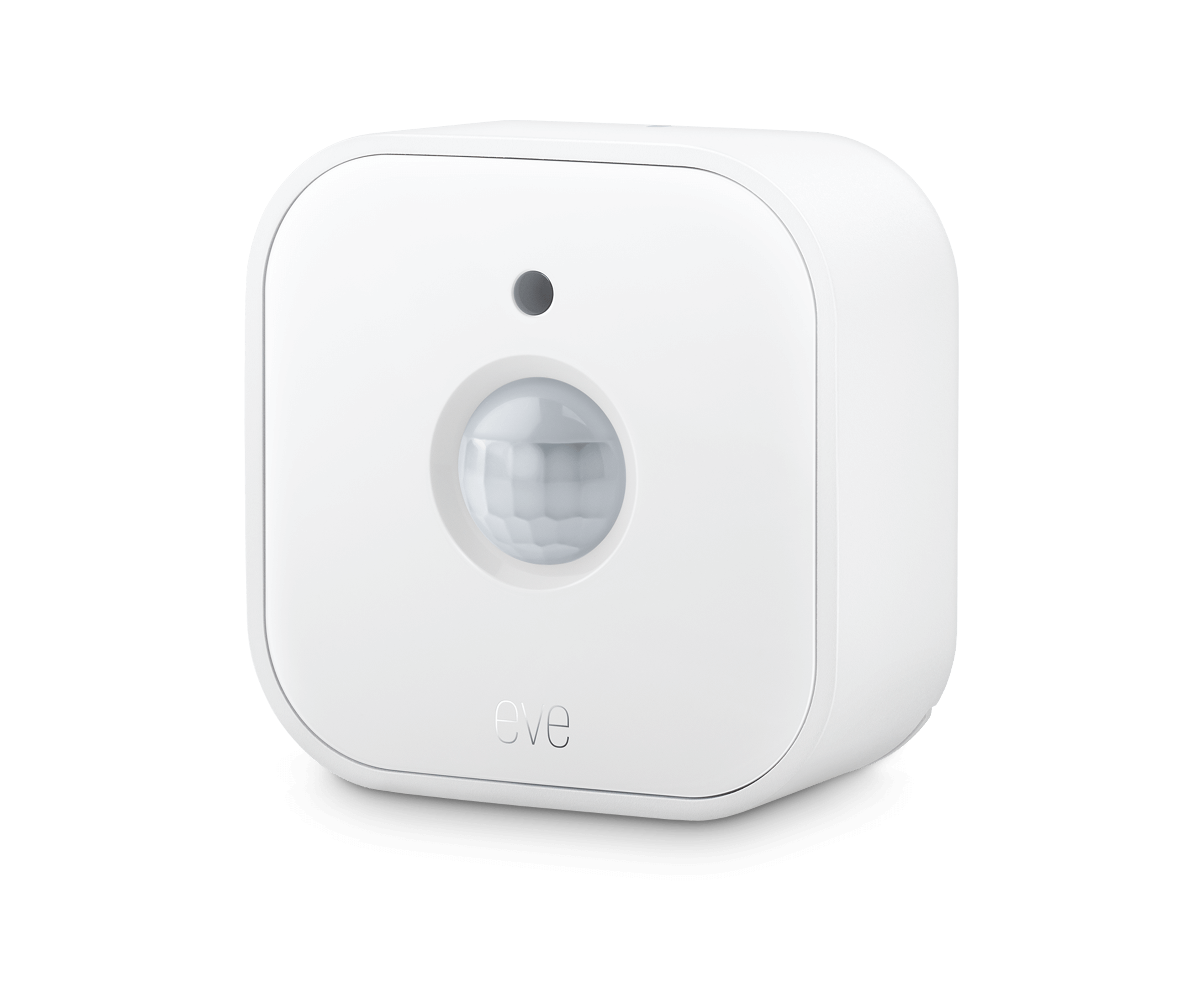 One device shown · 3-pack offer
Eve
Matter · linked offer: 3-pack
Requires a Thread border router
CSA record available
Thread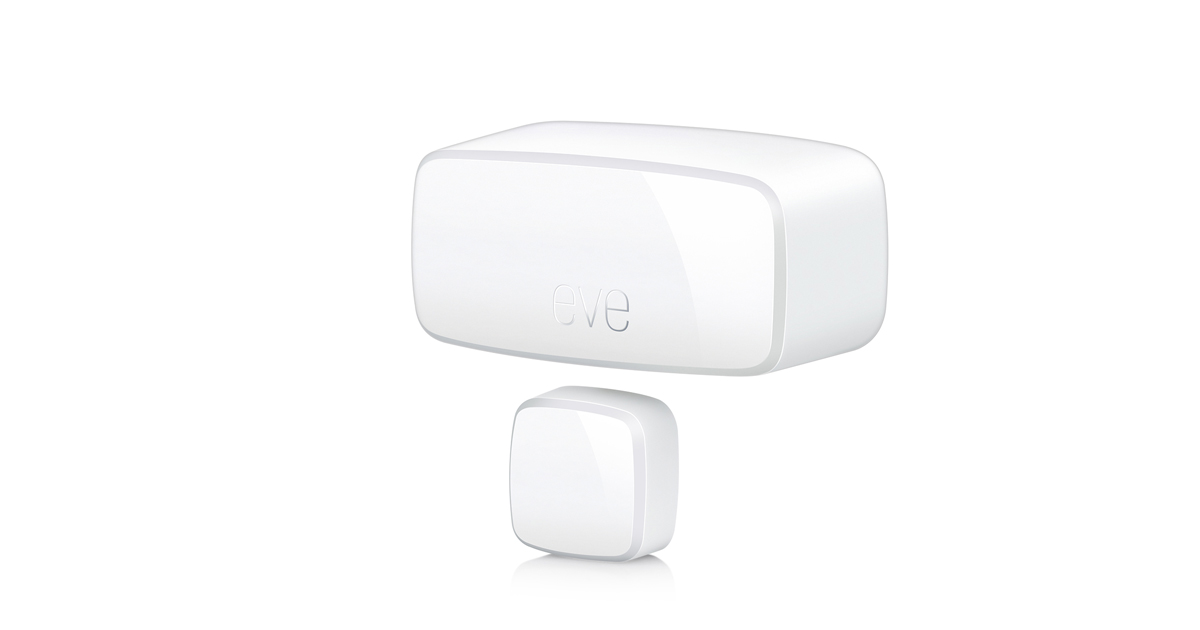
Eve
3-pack · 3 sensors · 10EBN9901-3X · Sensors · Matter / Thread
CSA record available
ThreadAmazon Alexa is a widely used smart home ecosystem. With Matter support, Alexa can control Matter devices from many manufacturers — not just "Works with Alexa" certified products — when Alexa supports the device type. Many Echo speakers and Echo Show displays support Matter over Wi-Fi, and some, such as the Echo (4th gen), also support Matter over Thread as a Thread Border Router.
For step-by-step instructions, see our complete Matter setup guide.
Step by step from the platform's own help pages: how to add a Matter device to Amazon Alexa. Also: where the setup code is, using one device with two apps and what to check when a device won't pair.
How Amazon Alexa compares with the other Matter platforms (hubs, Thread border routers, device types and sharing): Apple Home vs Google Home vs Alexa for Matter.
Questions people search for, answered with the catalog as of .
You need a Matter controller for Amazon Alexa, which is often a speaker, display or hub you already own. Alexa needs a Matter-compatible Echo; for a Thread device Amazon lists these as Thread border routers: Echo (4th Gen), Echo Hub, Echo Show 10 (3rd Gen), Echo Show 15 (2nd Gen), Echo Show 21, Echo Dot Max, Echo Show 8 (3rd Gen, 2025 release) and Echo Studio (2025 release), plus several eero routers.
Sources: Amazon: Thread border routers on Echo and eero devices (on file).
As of October 24, 2026, 374 of the 689 Matter products MatterCatalog lists as sold in the US and CSA certified for the exact model list Amazon Alexa in their records: 270 use Wi-Fi, 77 use Thread, 11 list a wired Ethernet connection and 16 do not state a network. A Thread product also needs a Thread border router. Each product page says whether the maker’s own page names Amazon Alexa.
Sources: MatterCatalog: Matter certified devices sold in the US; CSA certified products database.
Set the device up in the first app, then use that app to create a new pairing code (or QR code) for it, and enter that code in the second app as you would add a new device. The code printed on the device works only for the first app. You can do this because Matter lets one device join several controllers; check that each app has its own hub.
Sources: MatterCatalog: use one Matter device with two apps.