Best Matter Smart Home Starter Kit 2026
Use these groups as starting points for planning a Matter home. They are separate product listings, not retailer bundles or verified package totals. Check the exact model, required controller and supported features in each product’s details before buying.
🏠 Plan your Matter setup
- • Supported functions — available Matter features vary by device and platform
- • Controller and network — check the compatible controller and network your device needs
- • Local control — local operation does not guarantee every feature works without internet access
- • Setup requirements — firmware, app and setup steps vary by device and platform
Starter Kit
Lighting and a plug
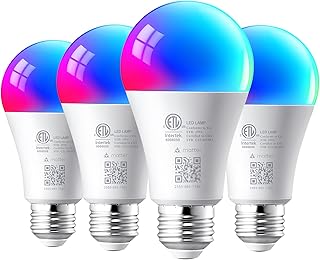
More Devices Kit
Lighting, plugs and an IR bridge
Smart Bulb (Thread)
Nanoleaf Essentials Smart Bulb (Over Thread)
View product details

Smart Plug
TP-Link Tapo Smart Plug Mini
Check price in product details
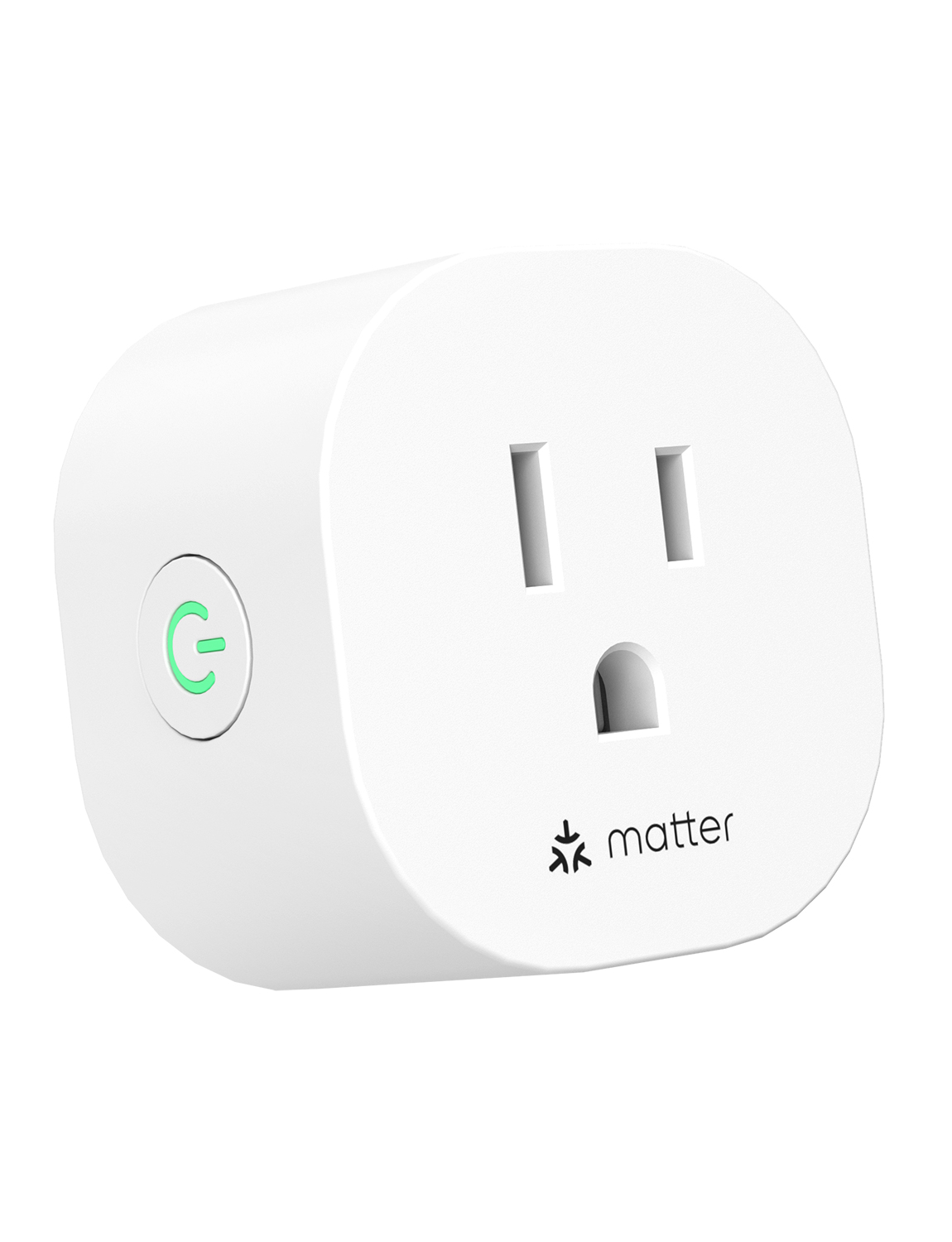
Wi-Fi Smart Plug
Meross MSS115 Smart Plug Mini (US/CA)
Check price in product details
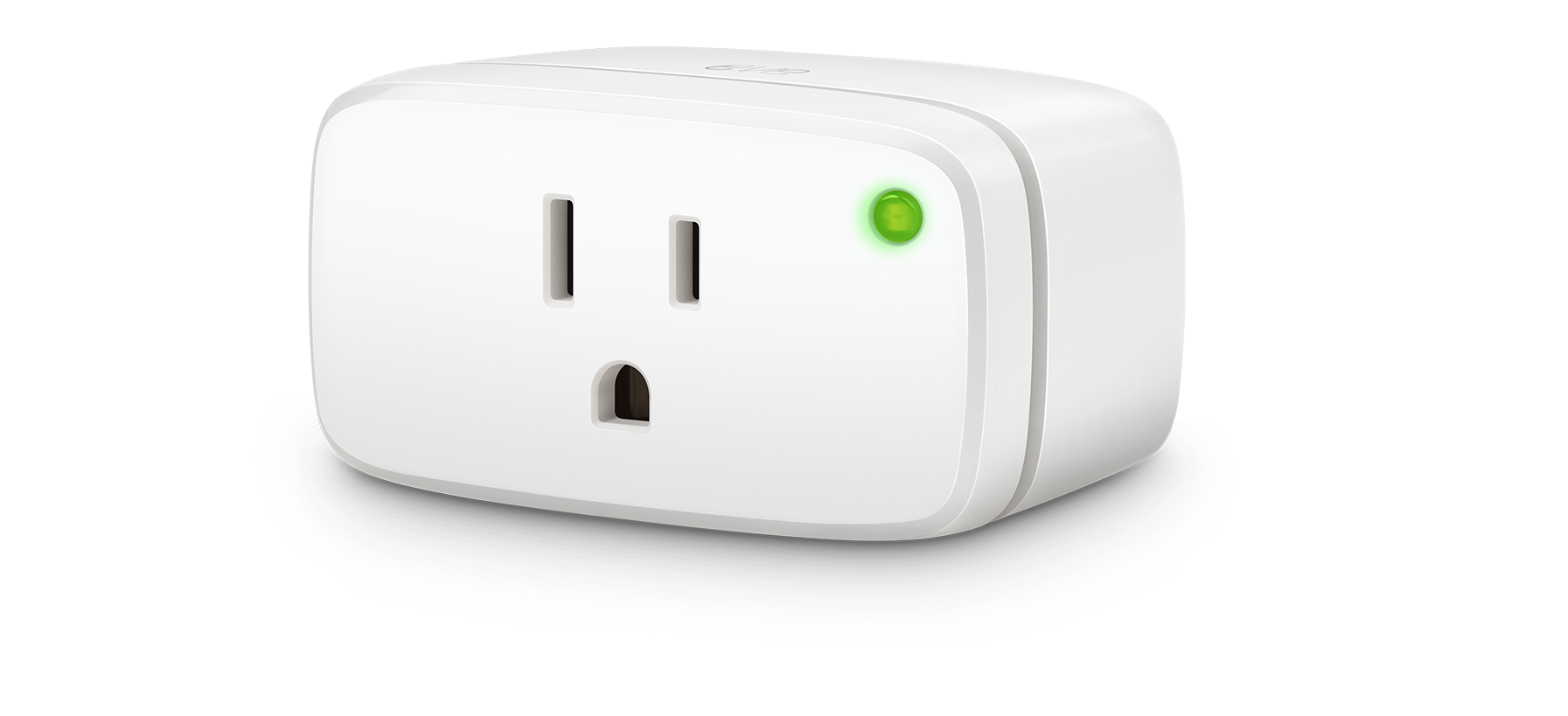
Premium Plug (Thread)
Eve Energy Smart Plug (US/CA)
Check price in product details
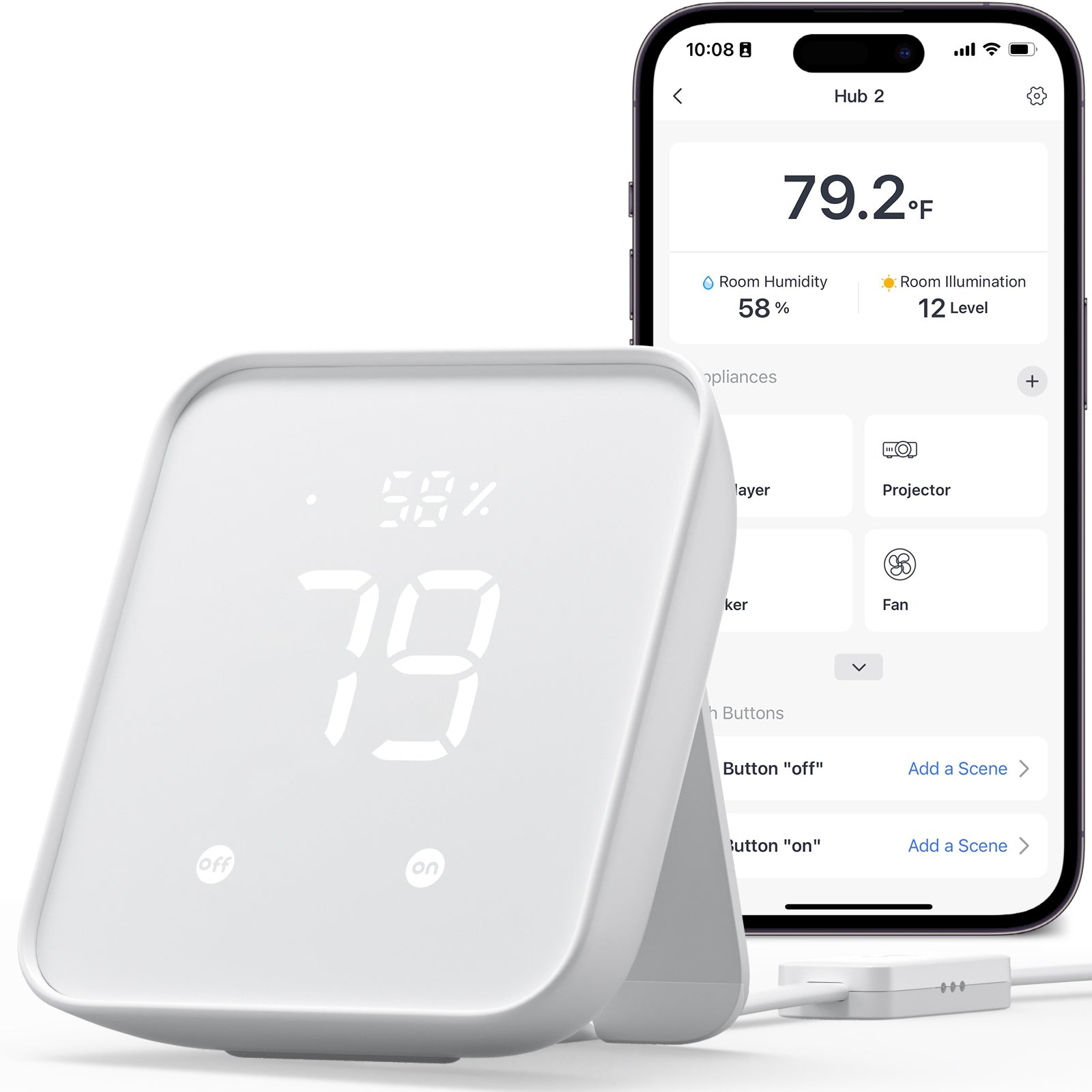
Hub / IR Blaster
SwitchBot Hub 2 (Bridge)
Check price in product details
Expanded Kit
Lighting, a lock and additional controls
Smart Bulbs
Nanoleaf Essentials Smart Bulb (Over Thread)
View product details

Smart Lock
Yale Matter Smart Module for Assure Lock 2
Check price in product details
Smart Hub
SwitchBot Hub 2 (Bridge)
Check price in product details
Energy Monitor
Eve Energy Smart Plug (US/CA)
Check price in product details
Smart Plugs
TP-Link Tapo Smart Plug Mini
Check price in product details
Getting Started Checklist
- Choose your primary ecosystem (Apple Home, Alexa, or Google Home)
- For Thread devices, check your exact controller and Thread border router model. HomePod mini and Apple TV 4K (3rd generation, Wi-Fi + Ethernet) are examples; the 3rd-generation Wi-Fi-only Apple TV is not Thread-enabled.
- Start with one room — living room lighting is the most impactful
- Scan the QR code on each Matter device to add it to your app
- Create automations: "Good Morning" to turn on lights, "Good Night" to turn off everything
- Expand room by room as your budget allows